
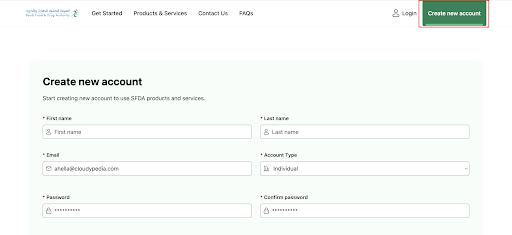
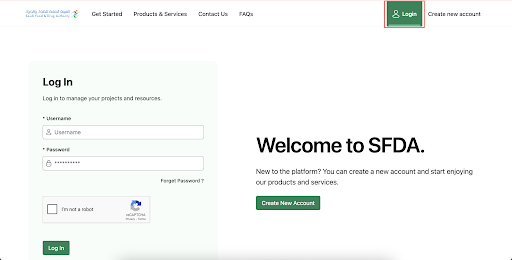
Go to the "Registration" page to start the creation of a new account process.
Step 2
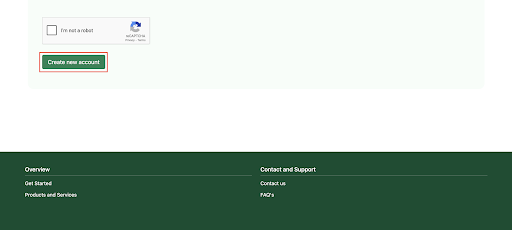
Complete the registration form, then click “Create new account“.
Step 6
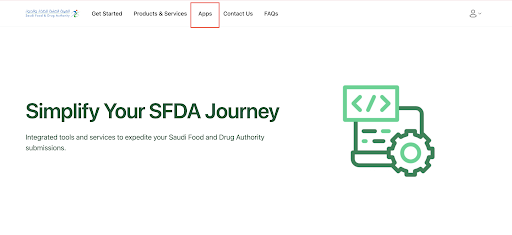
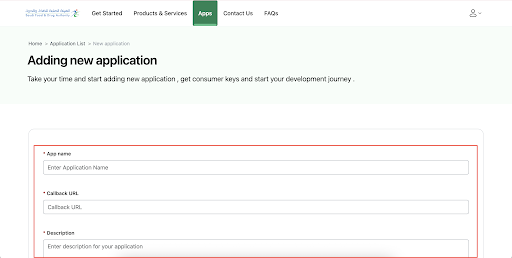
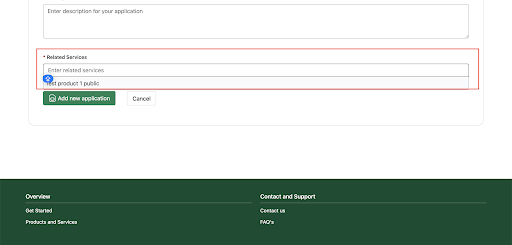
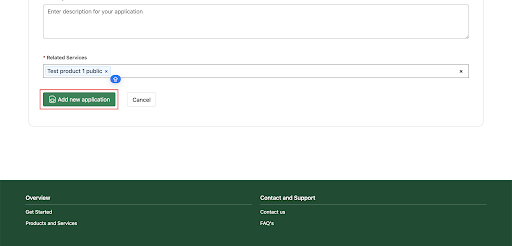
Click on “Add new application“ to complete the application registration process.
Step 2
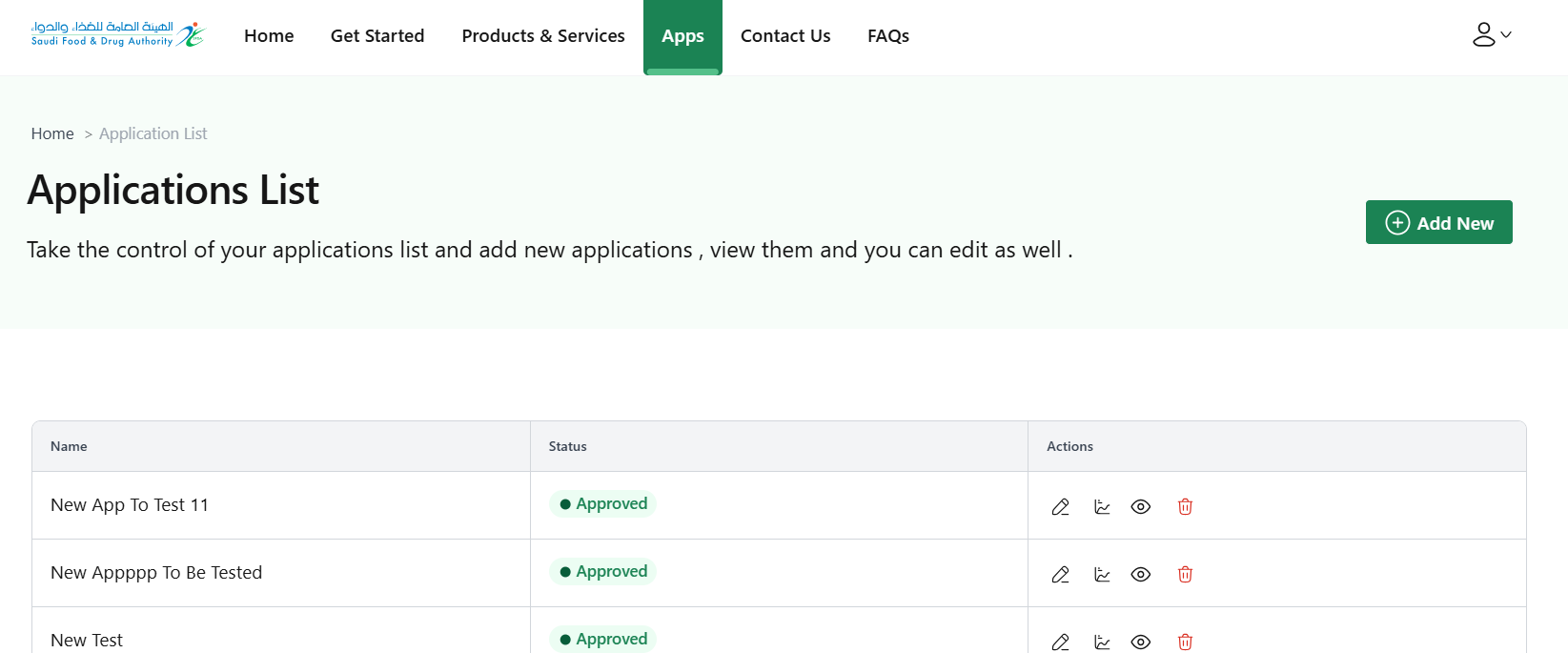
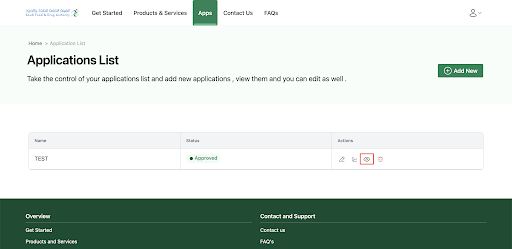
You can view all your applications and their details by clicking the corresponding view icon.
Step 1
To use any of our services you must send a unique code; To obtain a unique token, you must use the Consumer Key and Consumer Secret of your application (ConsumerKey, ConsumerSecret) as shown in the picture.
curl --location --request POST 'https://api.example.com.sa/v1/oauth2/accesstoken’ \--header 'Content-Type: application/x-www-form-urlencoded’ \ --data-urlencode 'grant_type=client_credentials’ \ --data-urlencode 'client_id=*****************' \ --data-urlencode 'client_secret=**************'
Step 2
The image below shows an example of an order form that uses token credentials for one of our services.
curl --location 'https://api.example.com.sa/v1/insuranceinquiry/drivercasedetail?driverId=pop&insuranceID=pp' \ -H 'accept: application/json' \ -H 'Authorization: Bearer *********************'