
Go to the "Registration" page to start the creation of a new account process.
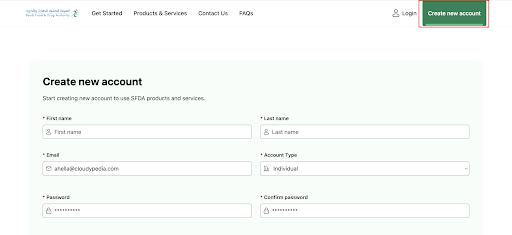
Complete the registration form, then click “Create new account“.
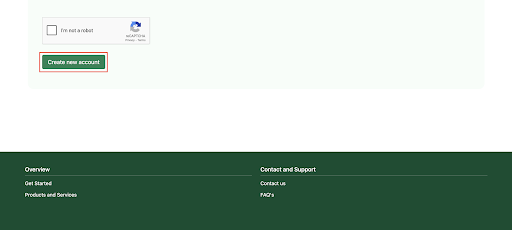

 View
View


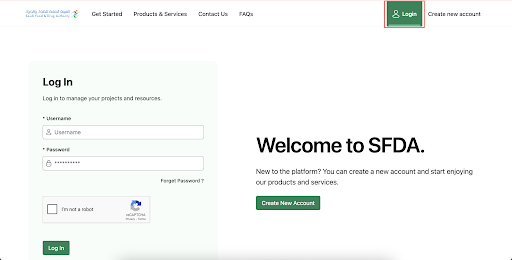
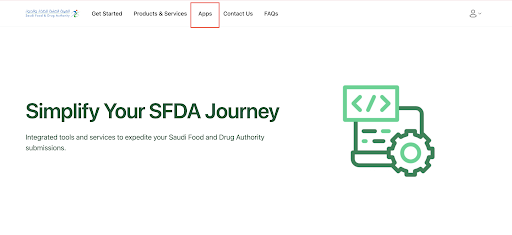
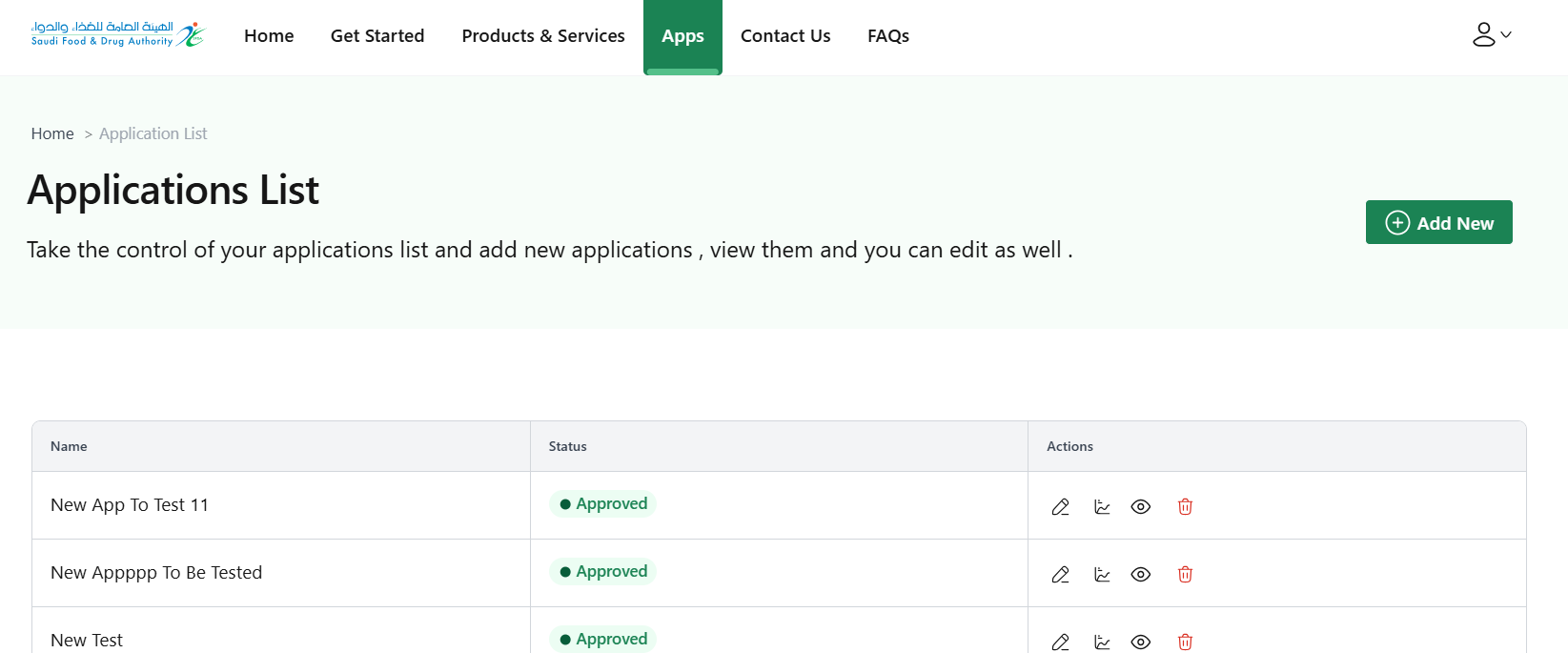
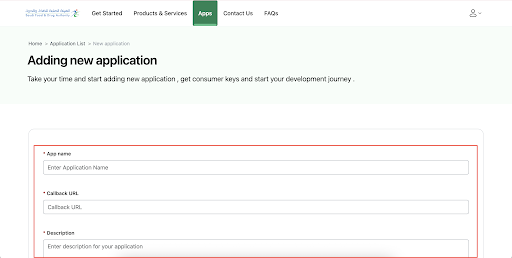
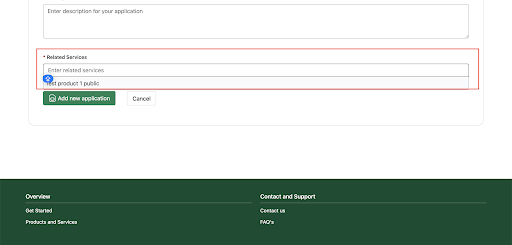
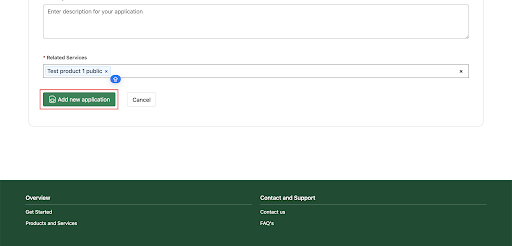
Click on “Add new application“ to complete the application registration process.
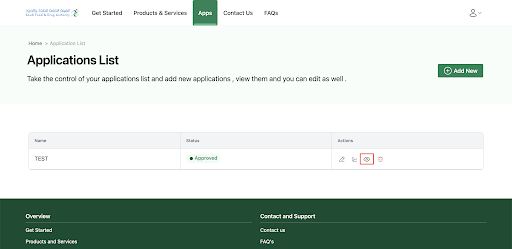
You can view all your applications and their details by clicking the corresponding view icon.
To use any of our services you must send a unique code; To obtain a unique token, you must use the Consumer Key and Consumer Secret of your application (ConsumerKey, ConsumerSecret) as shown in the picture.
curl --location --request POST 'https://api.example.com.sa/v1/oauth2/accesstoken’ \--header 'Content-Type: application/x-www-form-urlencoded’ \ --data-urlencode 'grant_type=client_credentials’ \ --data-urlencode 'client_id=*****************' \ --data-urlencode 'client_secret=**************'
The image below shows an example of an order form that uses token credentials for one of our services.
curl --location 'https://api.example.com.sa/v1/insuranceinquiry/drivercasedetail?driverId=pop&insuranceID=pp' \ -H 'accept: application/json' \ -H 'Authorization: Bearer *********************'